DEMO
Connect Demo-Company's
QuickBooks Desktop to DEMO
QuickBooks Desktop to DEMO
Step 3 of 6:
Now, we will download a configuration file for the QuickBooks Web Connector.
1
Download the DEMO configuration file to your computer:
2
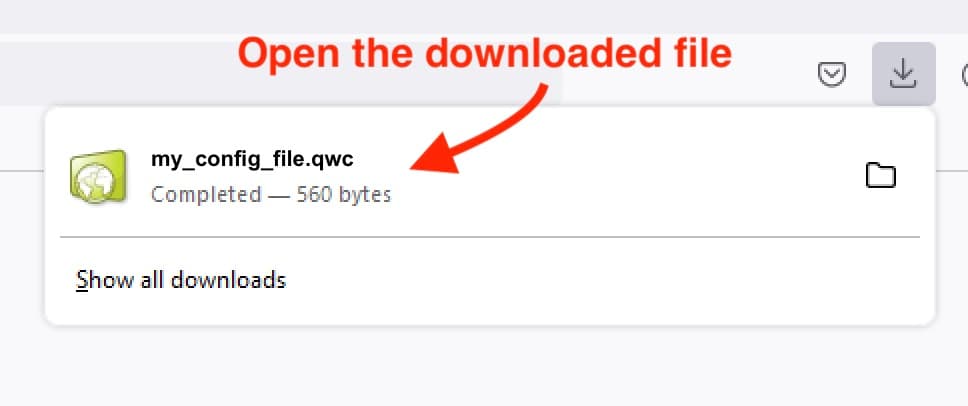
Open the downloaded file, which will automatically open the QuickBooks Web Connector. You do not need to save this file for the future.
ℹ️ Web Connector didn't launch?
Open QuickBooks, select File > App Management > Update Web Services, click "Add an Application" in the bottom-right corner, and choose "demo_demo_company.qwc" from your Downloads folder.
Open QuickBooks, select File > App Management > Update Web Services, click "Add an Application" in the bottom-right corner, and choose "demo_demo_company.qwc" from your Downloads folder.