DEMO
Connect Demo-Company's
QuickBooks Desktop to DEMO
QuickBooks Desktop to DEMO
Step 2 of 6:
Let's set up the connection.
1
Open QuickBooks Desktop.
2
Open the company file you want to connect.
Double-check that this is the correct company file.
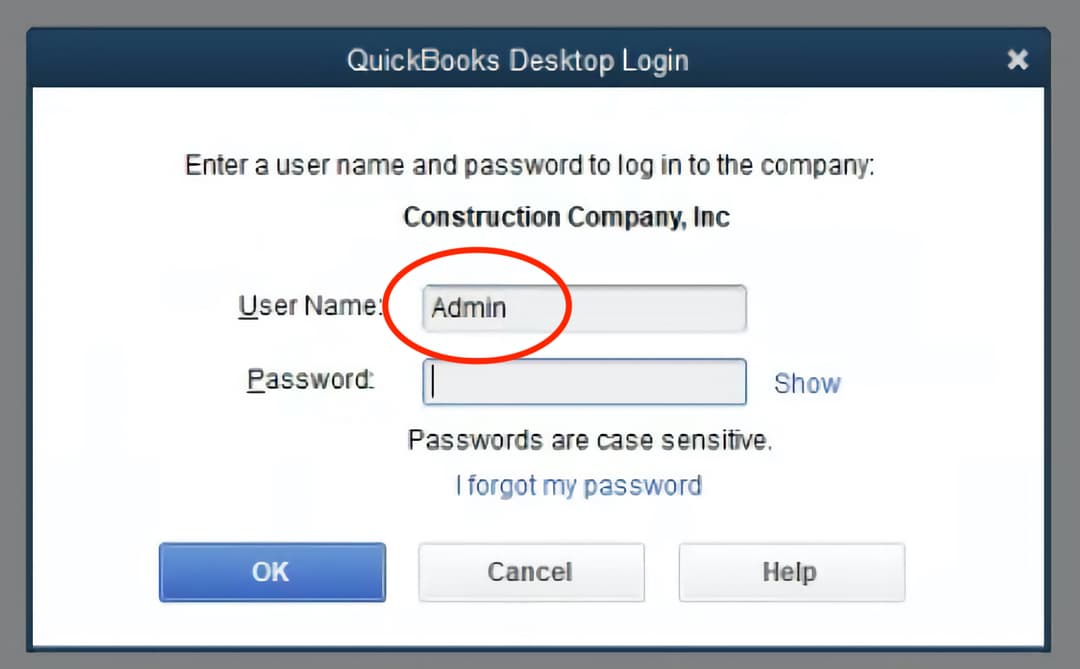
3
Sign in as the "Admin" user.
Signing in as the Admin user is only required for this initial setup process. After this, you can switch back to your regular QuickBooks Desktop user.